Open in your browser
The full platform at chartlabs.co: charts, Atlas AI, CodeLab, alerts and trading from the chart. Works on Mac, Windows and Linux with nothing to download.
Open ChartLabs in your browser with nothing to install, or take it with you on iPhone. One account, so your layouts, watchlists and alerts come with you.
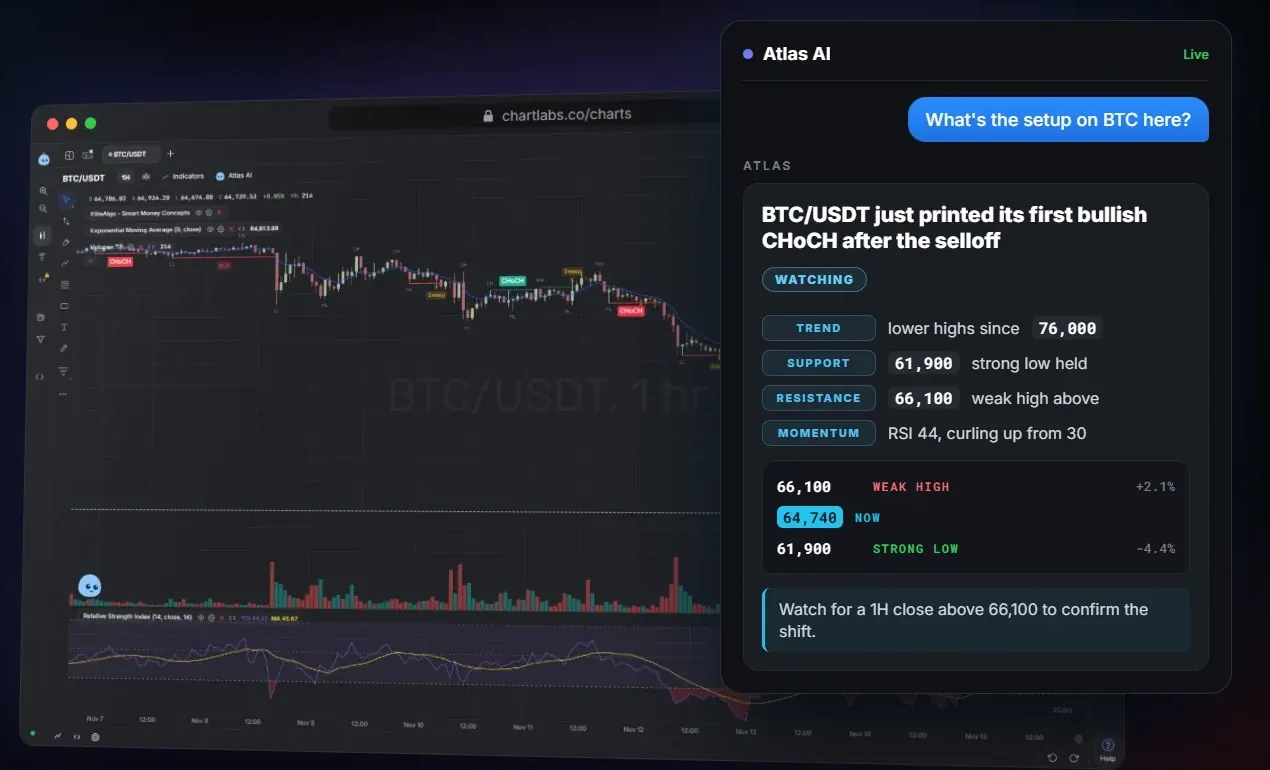
Runs at chartlabs.co in any modern browser.
The full platform at chartlabs.co: charts, Atlas AI, CodeLab, alerts and trading from the chart. Works on Mac, Windows and Linux with nothing to download.
Live charts, your watchlists and your saved layouts on iPhone. A price alert can notify your phone. Sign in with the same account.
We are finishing signed builds for macOS and Windows. Until they are ready, the browser version is the full platform, so you are not missing anything.
Ask about the chart you have open and get an answer in plain English.
Layouts save on their own and open where you left them.
Write indicators in TypeScript, or paste a Pine script.
Footprint candles, CVD and an order-book heatmap.
Free to start. Open a chart in a few seconds, then add the iPhone app when you want it.